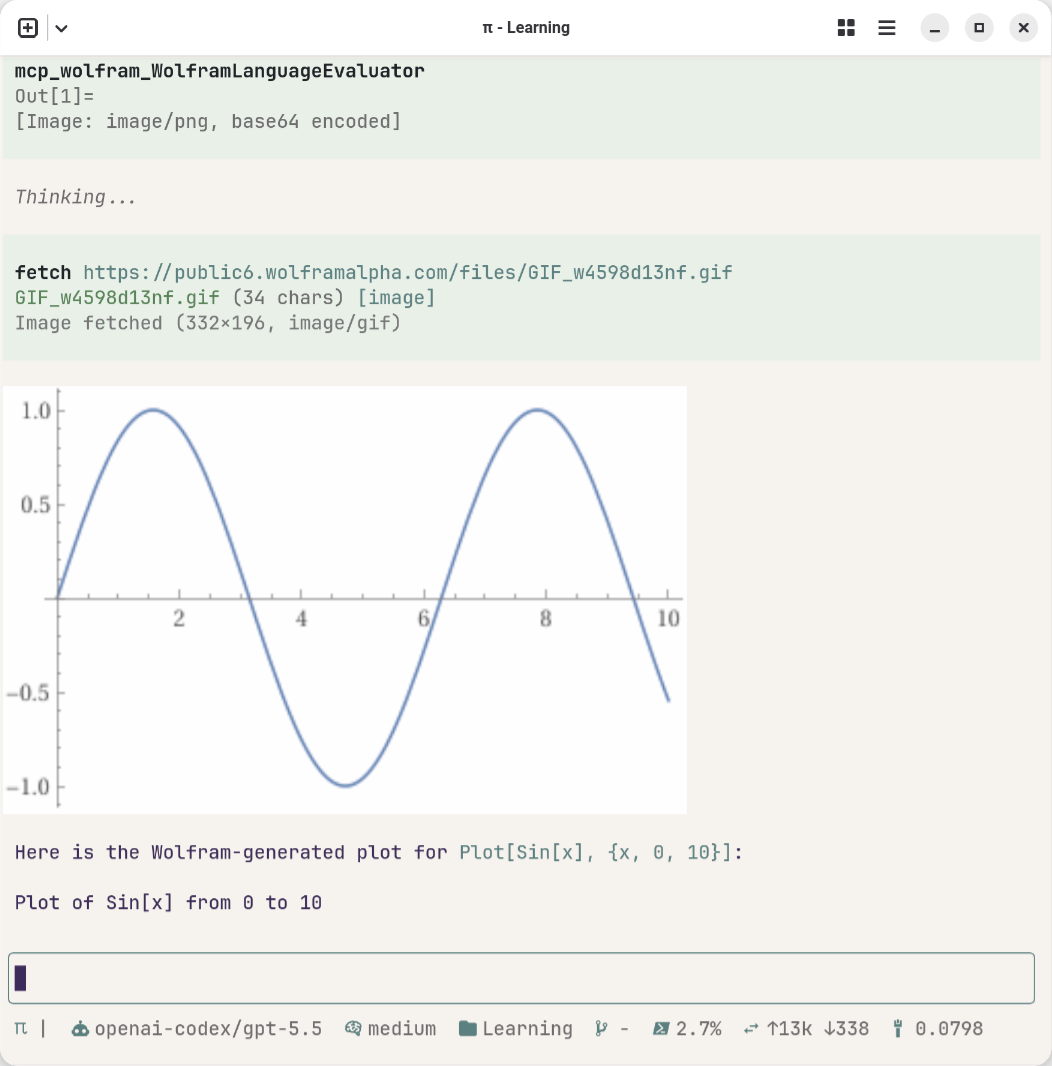
I have tested the local MCP server on Mac, and today I am testing Wolfram Cloud MCP server in ChromeOS Flex, currently it free for the personal use.
To use MCP in pi.dev, install npm:pi-mcp-extension first. Here is the minimum configuration for mcp.json.
 1{
 2  "settings": {
 3    "toolPrefix": "mcp",
 4    "requestTimeoutMs": 30000,
 5    "maxRetries": 5
 6  },
 7  "mcpServers": {
 8    "wolfram": {
 9      "transport": "streamable-http",
10      "url": "https://agenttools.wolfram.com/mcp",
11      "lifecycle": "eager"
12    }
13  }
14}
Ghostty terminal supports the Kitty graphics protocol to display inline images directly within the terminal, it will be nice if we can display the plots generated from the Wolfram Cloud.
To do this, we need to install: “pi install npm:pi-image-view”, then let’s have a try:
Use the Wolfram to generate a plot of Plot[Sin[x], {x, 0, 10}]. Take the resulting output URL or image payload and display it inline using your image-view tool.
Here we go: